Order Manager
No more scraps of paper and “Who wanted the salami again?”: guests scan a QR code, order on their phones and see live when their food is ready. The kitchen works through the orders on a touch monitor.
How an evening goes
Built for pizza nights – and more
The Order Manager was originally built for our pizza nights, including custom pizzas made from your choice of toppings. By now it can also handle courses: starters, mains and desserts are opened up one after another, so not everyone orders their dessert at the same time.
For guests
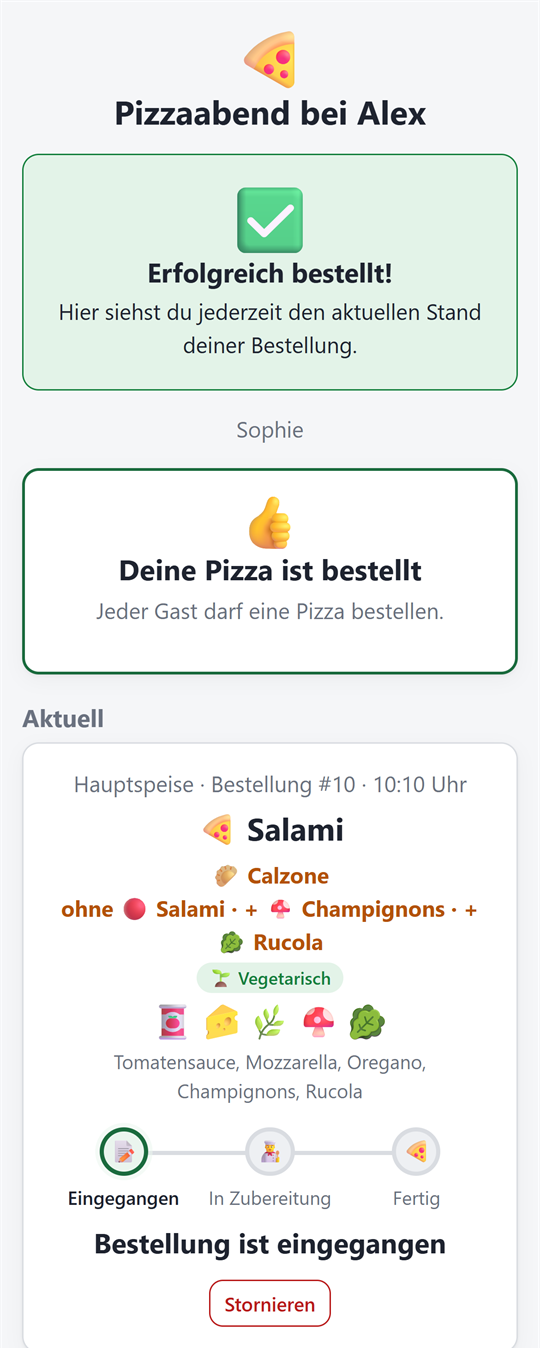
Order without an account, filter “Vegetarian only”, “I don't want a starter”, follow the status live.
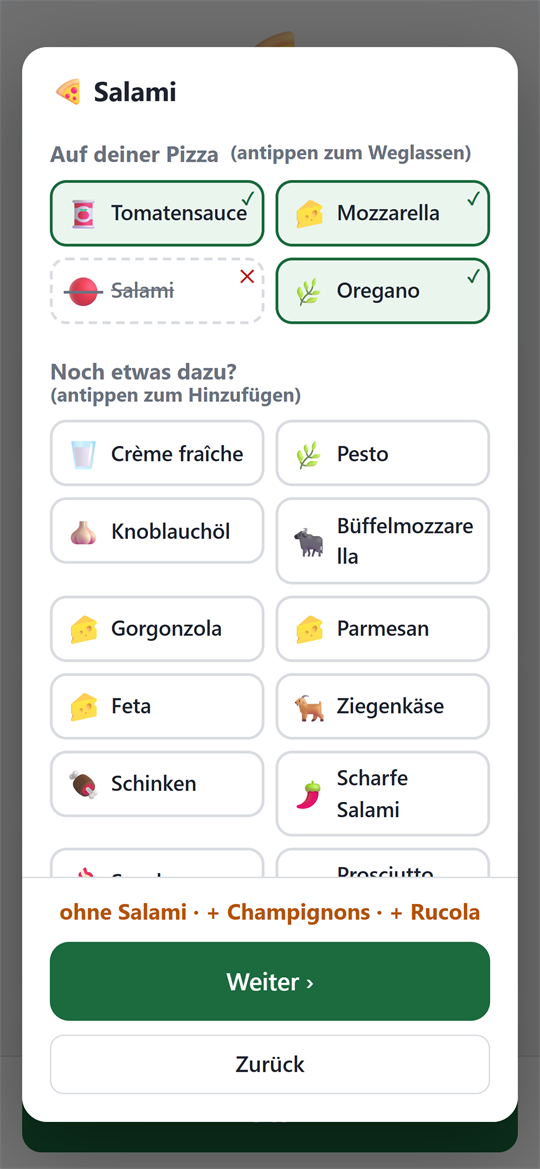
Customize your pizza
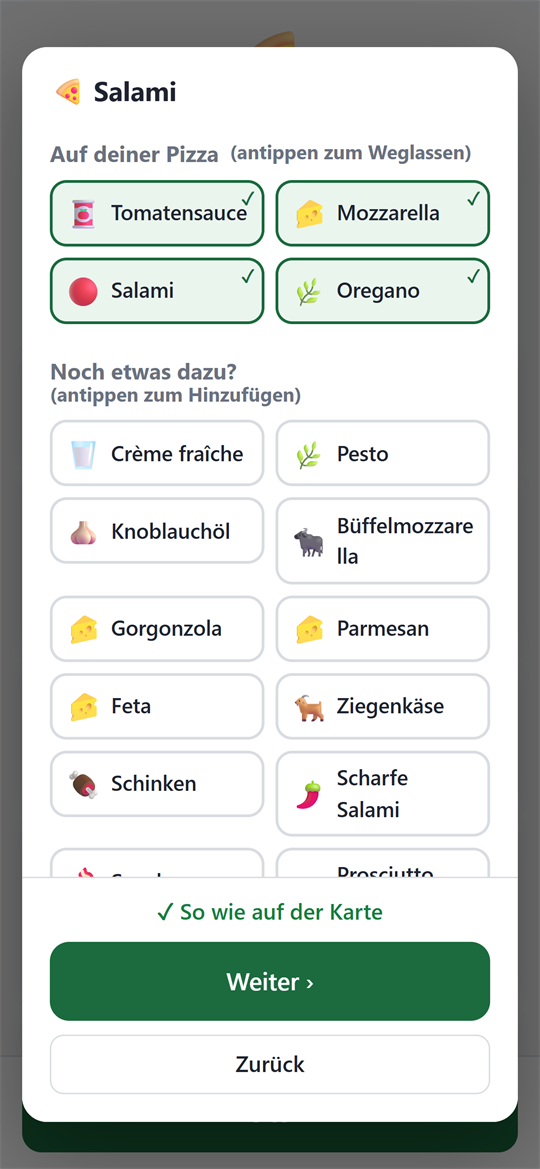
Check the toppings before ordering: “no onions, + jalapeños” – the kitchen sees it clearly highlighted.
Seconds
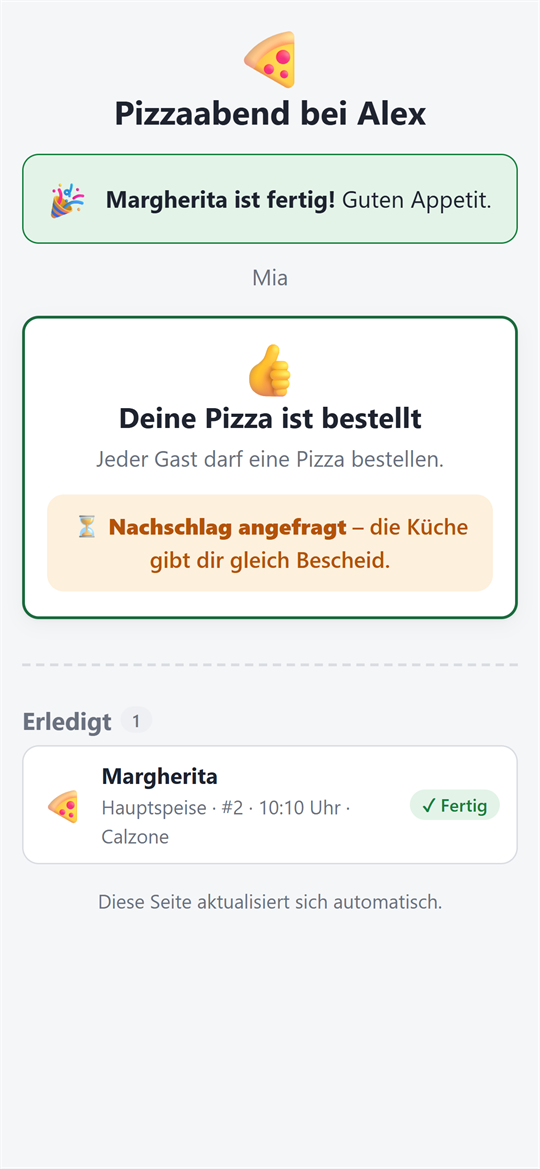
Limit reached? Guests can ask for seconds, and the kitchen approves or declines with a single tap.
Kitchen monitor
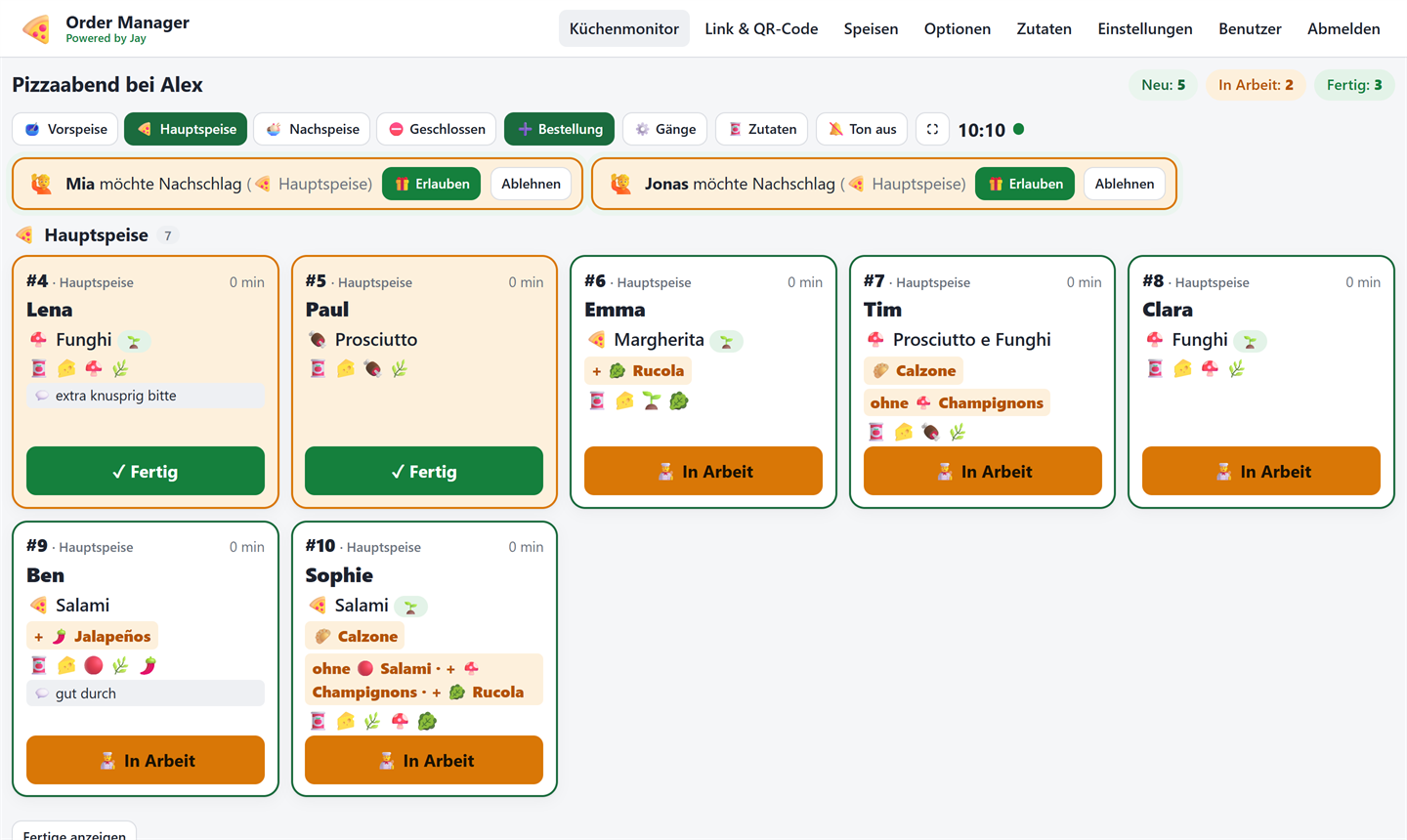
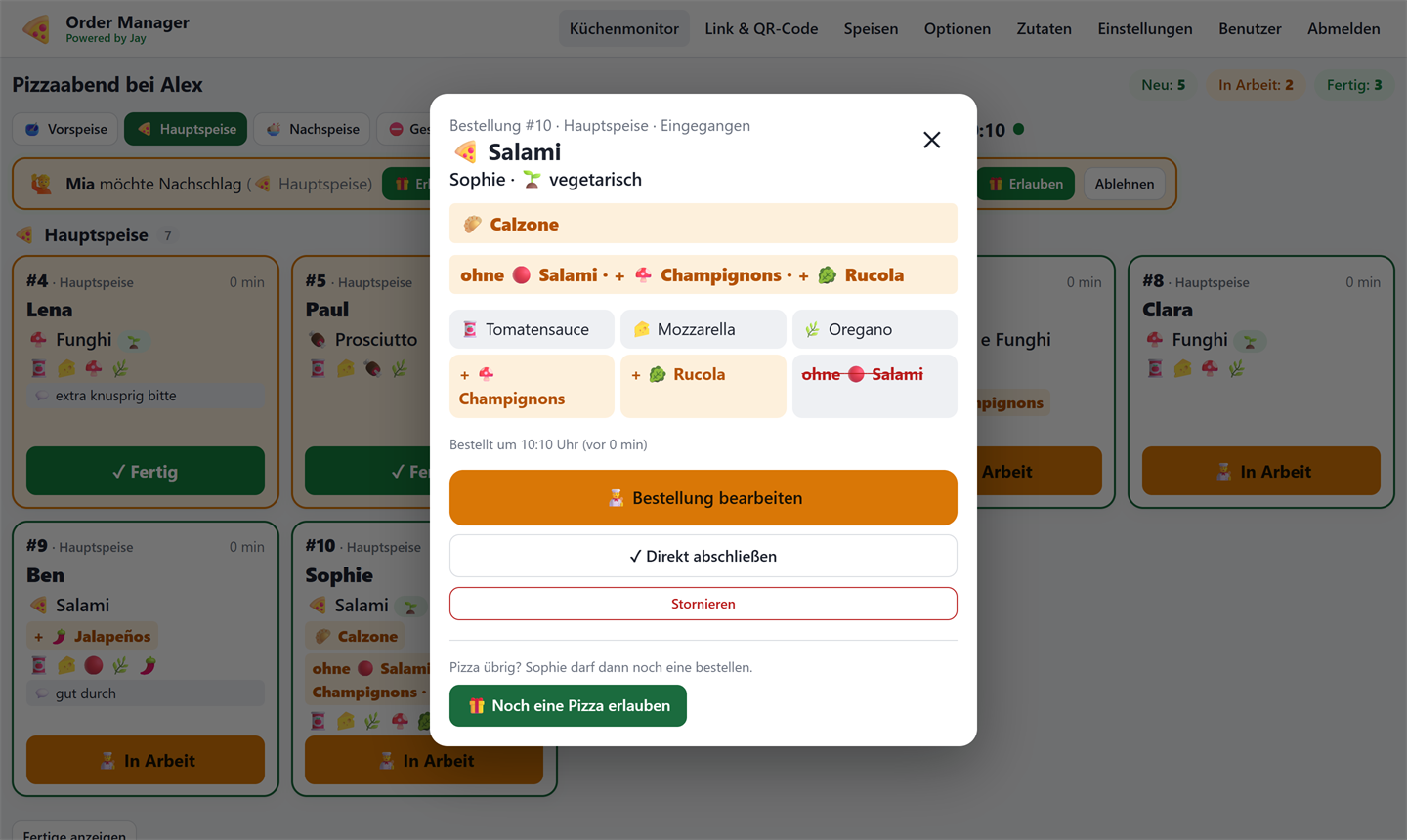
Touch-optimized and installable as an app. Quick buttons on the tiles, a sound for new orders, and the screen stays awake.
“Out today”
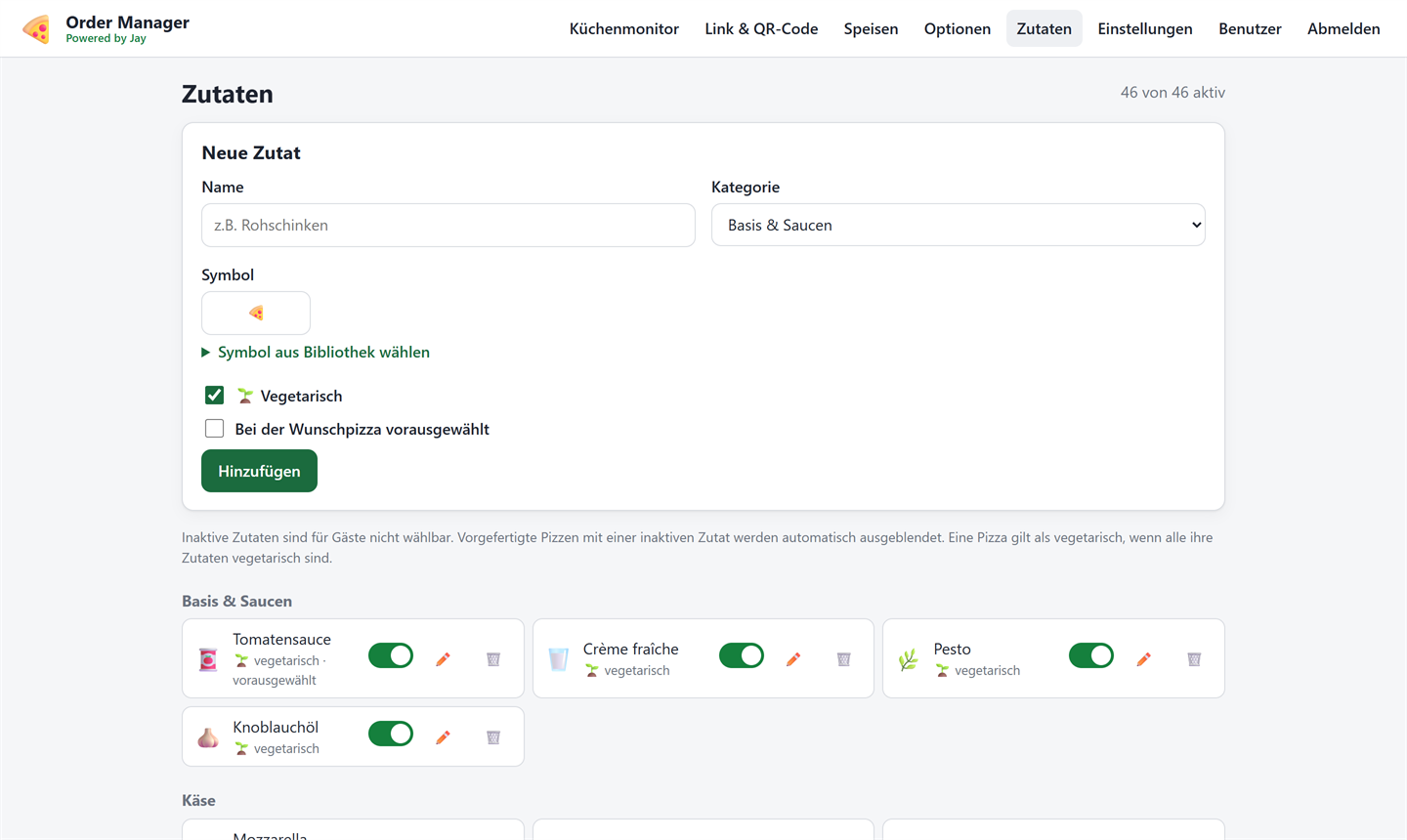
Ran out of an ingredient? Just mark it as “out today” – dishes that use it can no longer be ordered by guests.
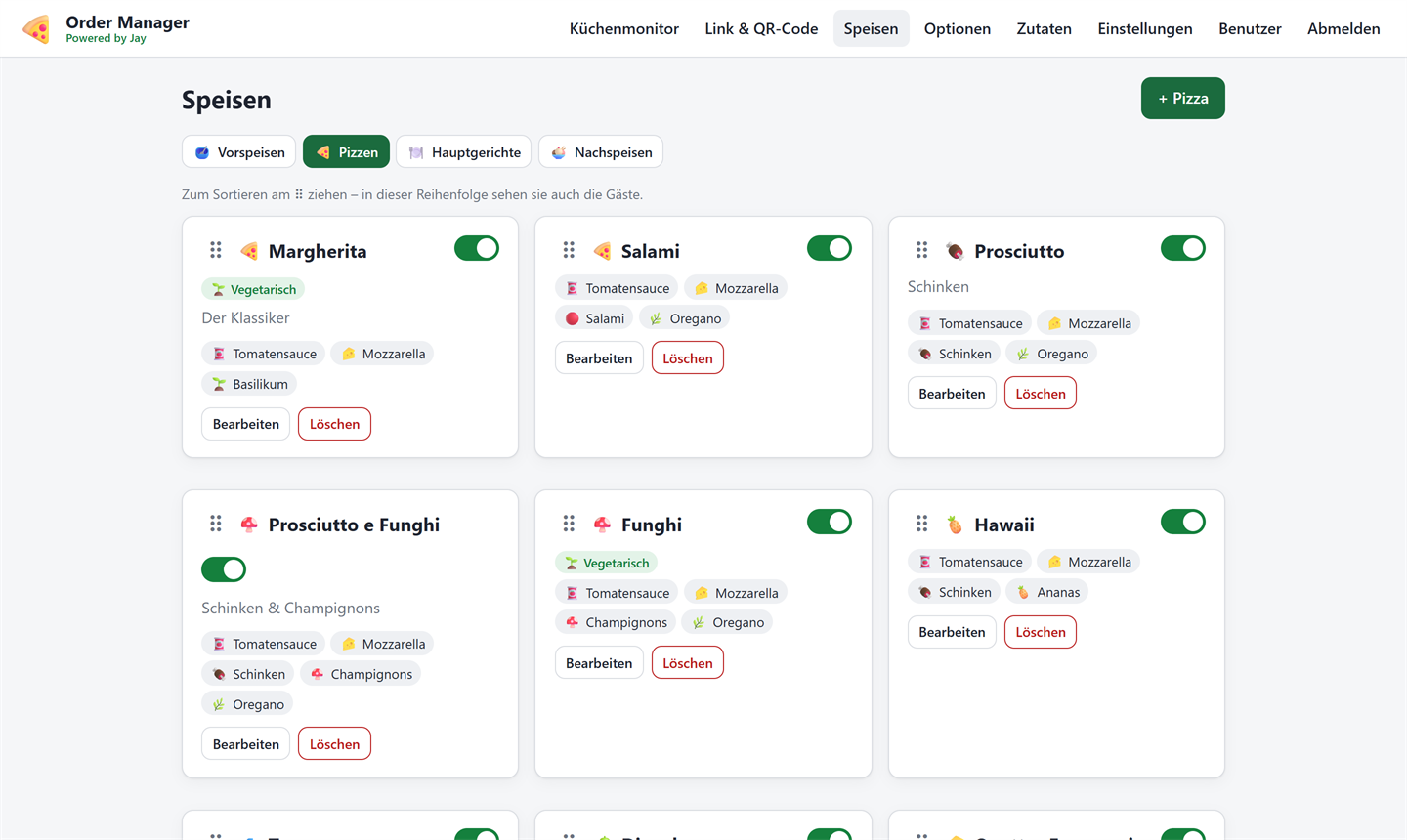
Your own menu
Starters, pizzas, mains and desserts with options and toppings – with a starter menu you can adapt.
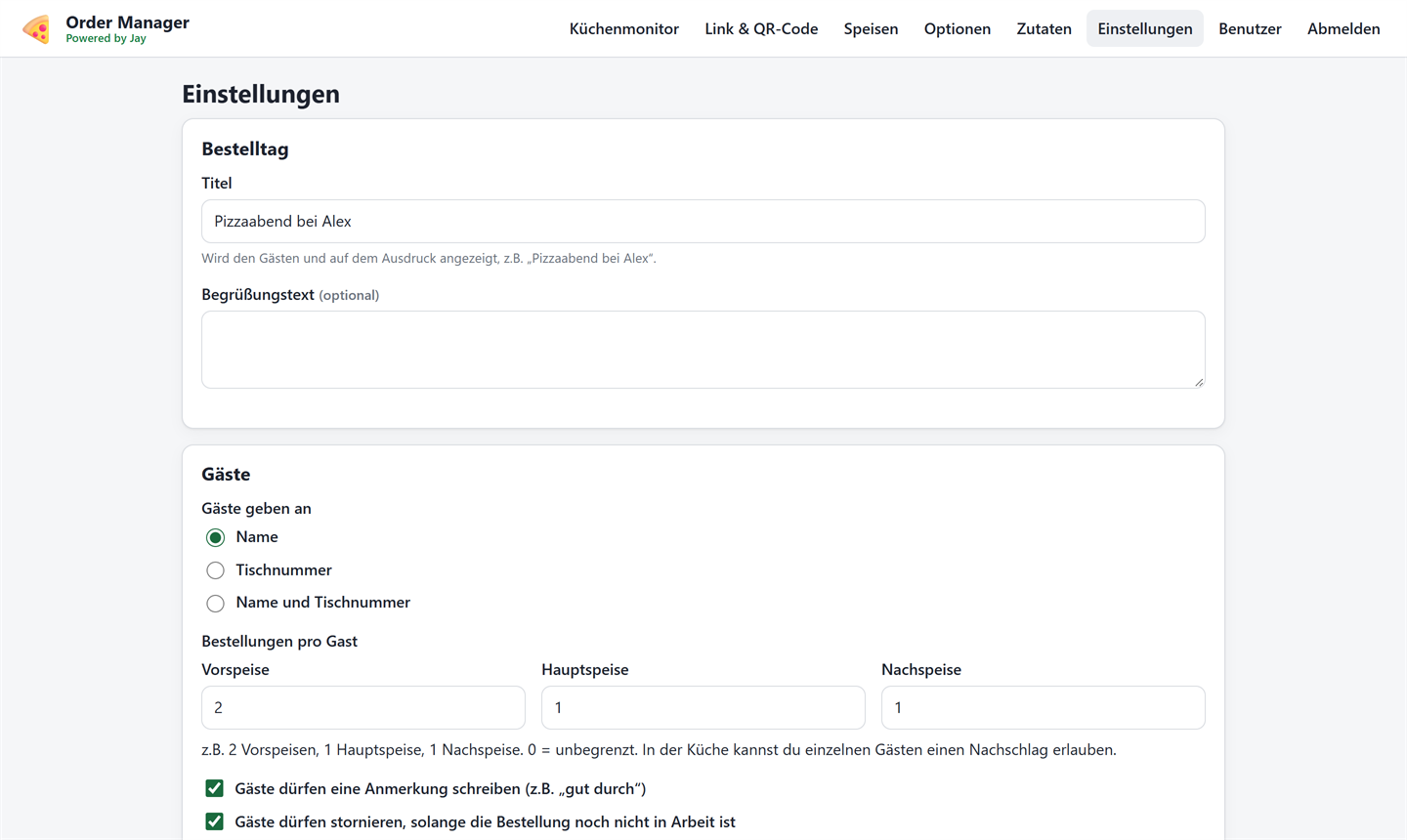
Limit per course
How much can each guest order? Set separately, e.g. 2 starters, 1 main, 1 dessert.
Link valid for today only
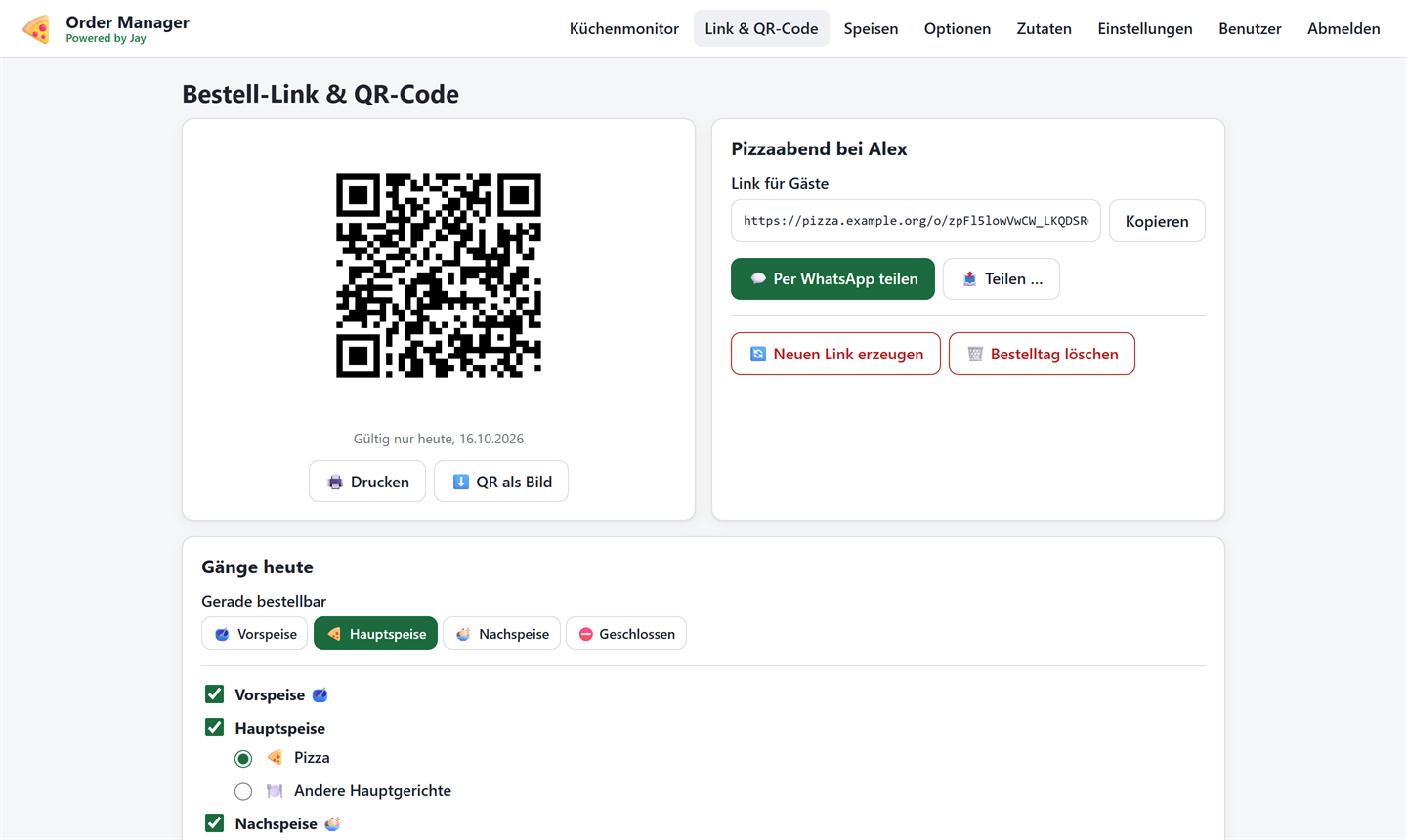
The order link and QR code are only valid on the day itself. Share via WhatsApp, as an image or as a printout.
Multiple hosts
Friends can register and, once approved, get their own menu.
On the guests' phones
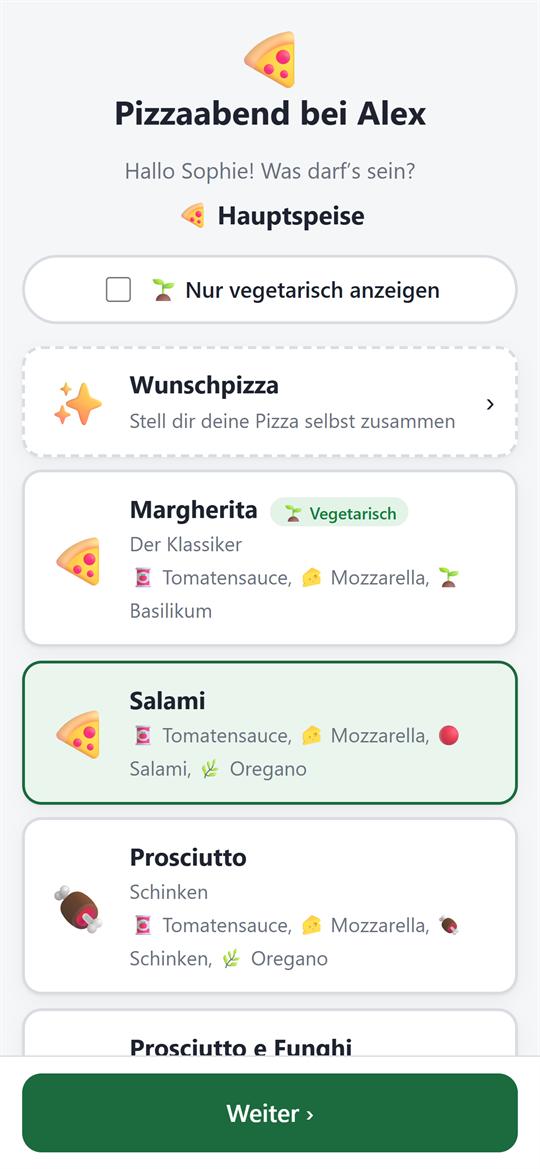
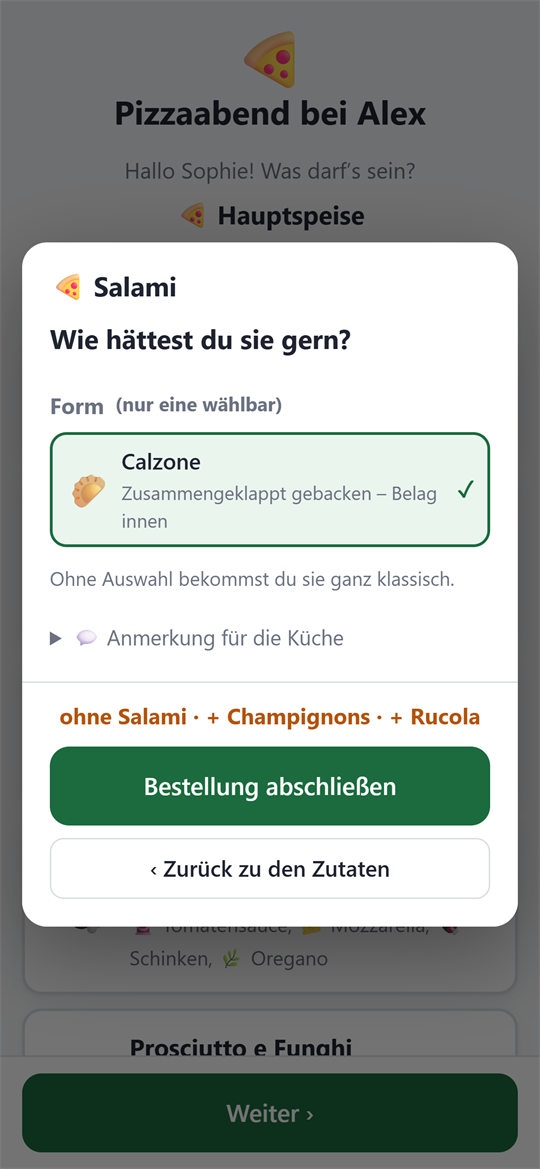
Pick a pizza, leave out or add toppings, choose calzone or cheese crust – and then see on the status page what's currently happening in the kitchen.
In the kitchen
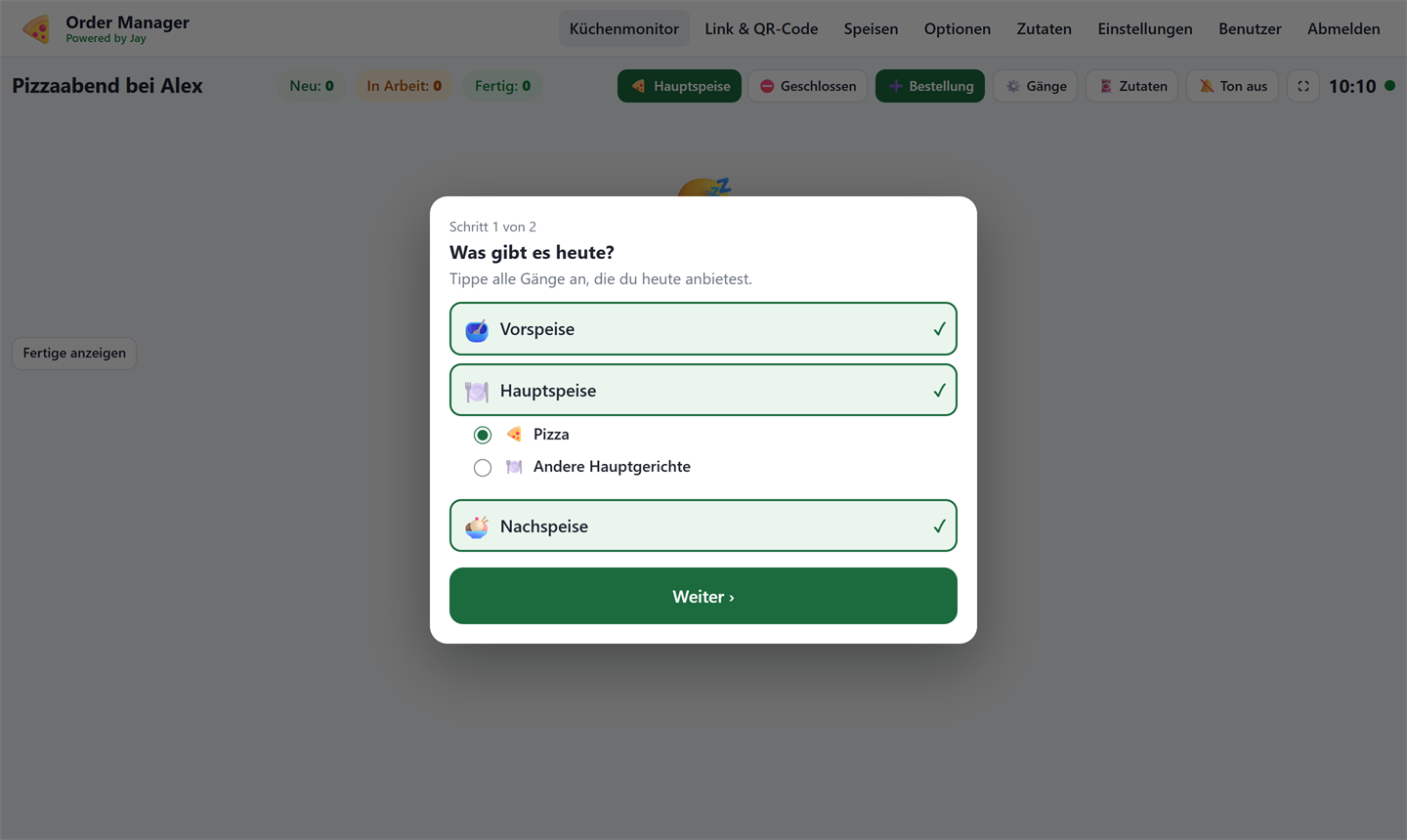
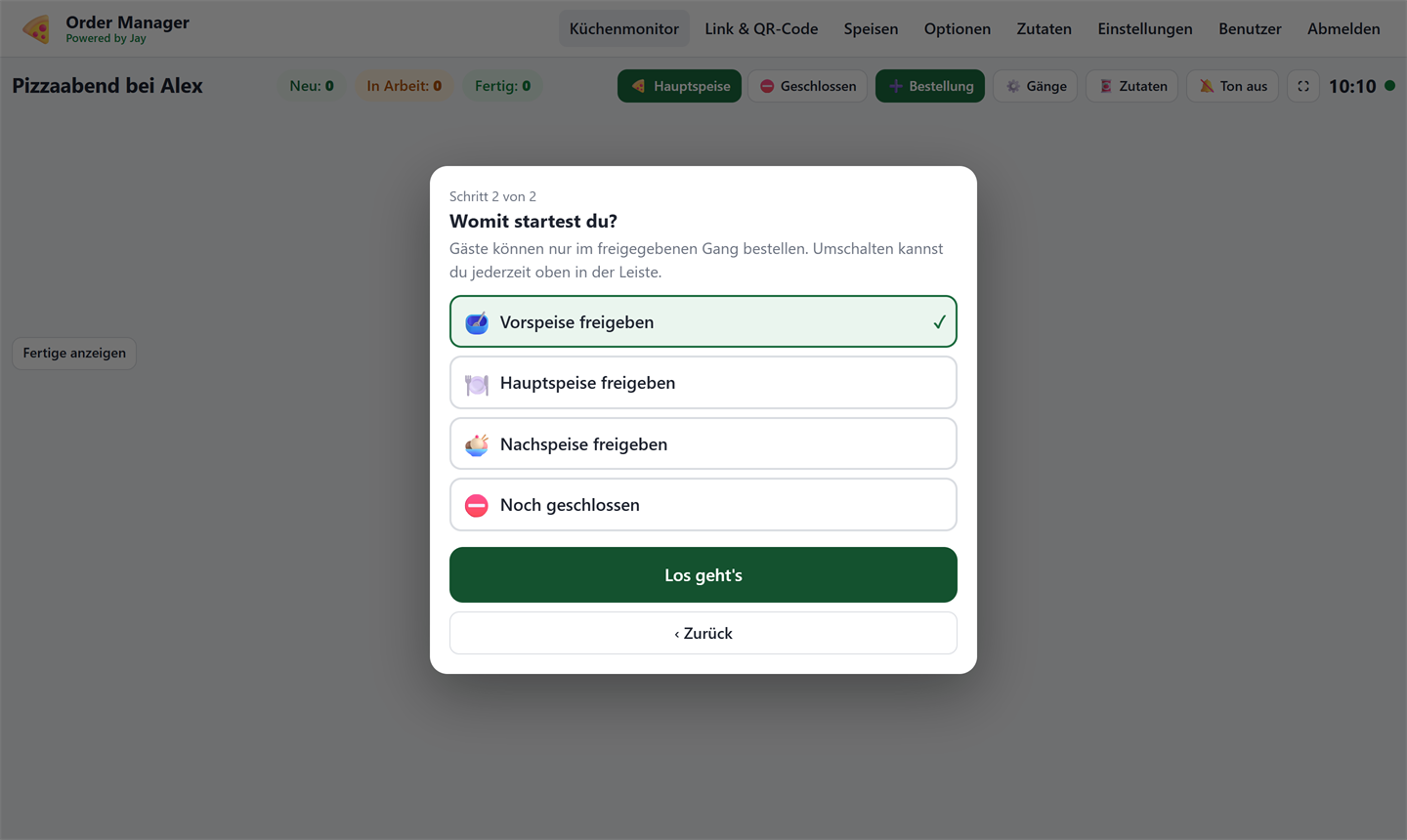
Every order is a tile. “In progress” and “Done” take a single tap, and tapping the tile shows all the details. The first time a new order day is opened, the monitor asks which courses there are today and which one comes first.
Administration
The perfect match: the display on your TV
Order Manager Client
An Android TV app that shows the QR code and the kitchen status on the order day. When an order is ready, “Please pick up” appears on top of everything with a chime – the music only gets quieter for a moment.
Run it yourself
The Order Manager is not an online service you sign up for – you run it on your own server or computer. With Docker that's done in no time:
git clone https://github.com/JayLo1401/order.manager.git
cd order.manager
cp .env.example .env
docker compose up -d --build
Then open http://localhost:8000. For a real server with a domain, HTTPS and automatic updates
there's a step-by-step guide,
optionally with login via authentik.
Tech: FastAPI, SQLAlchemy, PostgreSQL, Docker Compose. A small read-only API provides today's order day and orders that have just been completed – which is exactly what the Order Manager Client uses.
License
The Order Manager is licensed under the PolyForm Noncommercial 1.0.0: free for private parties, club events, schools and non-profit organizations. Commercial use is not allowed, for example using it in a restaurant business, selling it or offering it as a paid service.
Whoever runs the Order Manager is responsible for their own server, security, backups and their guests' data. I only provide the source code and don't run an instance for anyone else.