Home Radio
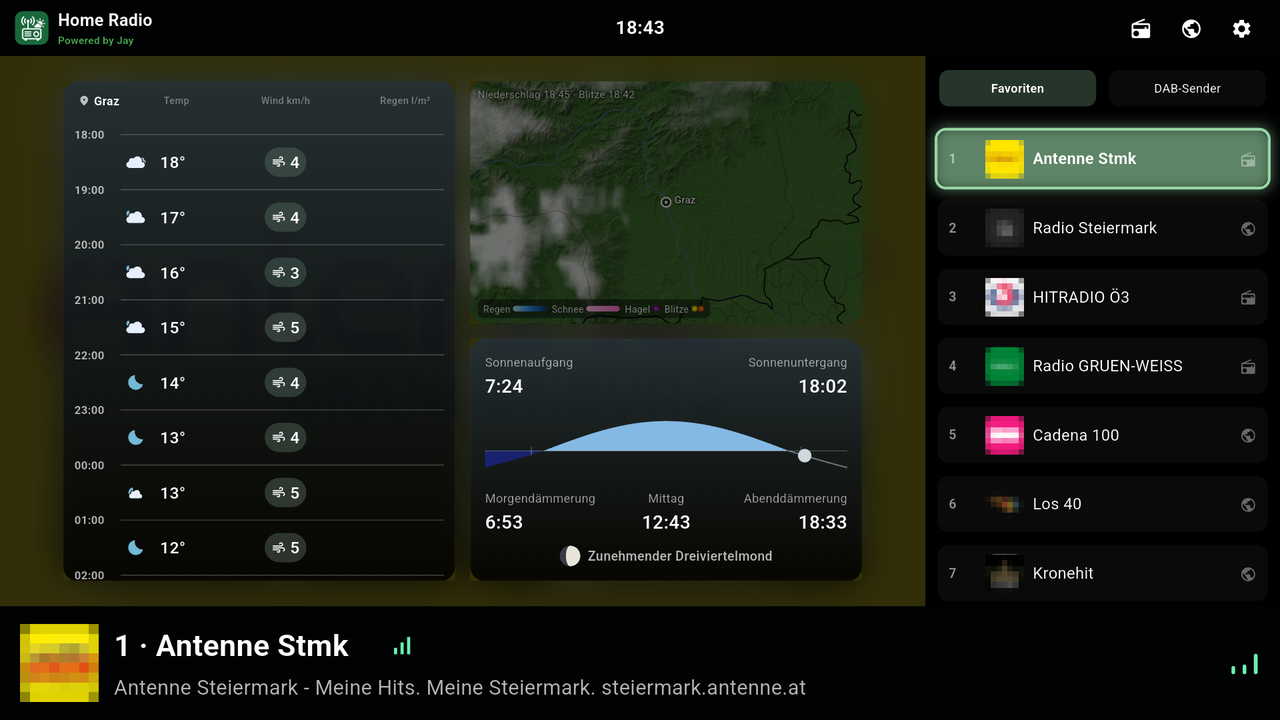
A radio for your TV: DAB+ and FM via a small USB stick plus internet radio in one station list, every station with its own preset number, just like in the old days. If you like, you can also listen in on CB, amateur or airband radio with the same stick. On top of that: weather forecast, weather radar and sun & moon – all controlled with your remote.
Why does this exist?
DAB+ and internet radio each have their gaps: some stations aren't on DAB+ at all, and some internet streams sound noticeably worse than the same station over DAB+. Home Radio brings both together – every favorite gets a channel slot, no matter where it comes from. That way you hear every station the better way, without switching apps.
What it can do
DAB+ with your own receiver
An RTL-SDR stick plugged straight into the TV or via rtl_tcp from a Raspberry Pi on your network. The complete decoder lives inside the app.
FM with RDS
The same stick also receives FM: scanning, stereo, station name and radio text via RDS. Tune manually or enter a frequency directly.
Listen in
CB, amateur, airband and military radio with waterfall, scanning and signal filters. Active channels light up green – each band can be turned on individually.
Internet radio
Search for stations by name, genre or country (Radio Browser) and save them as a favorite with one click – including “Now playing”.
One station list
DAB+, FM and internet together, with preset numbers and logos. Next/previous on the remote zaps through them.
Weather & weather radar
Hourly forecast from GeoSphere Austria. The radar comes from a source of your choice – as an image or as a web page.
Sun & moon
Sunrise and sunset, twilight, moon phase and the current UV index for your location.
Made for the remote
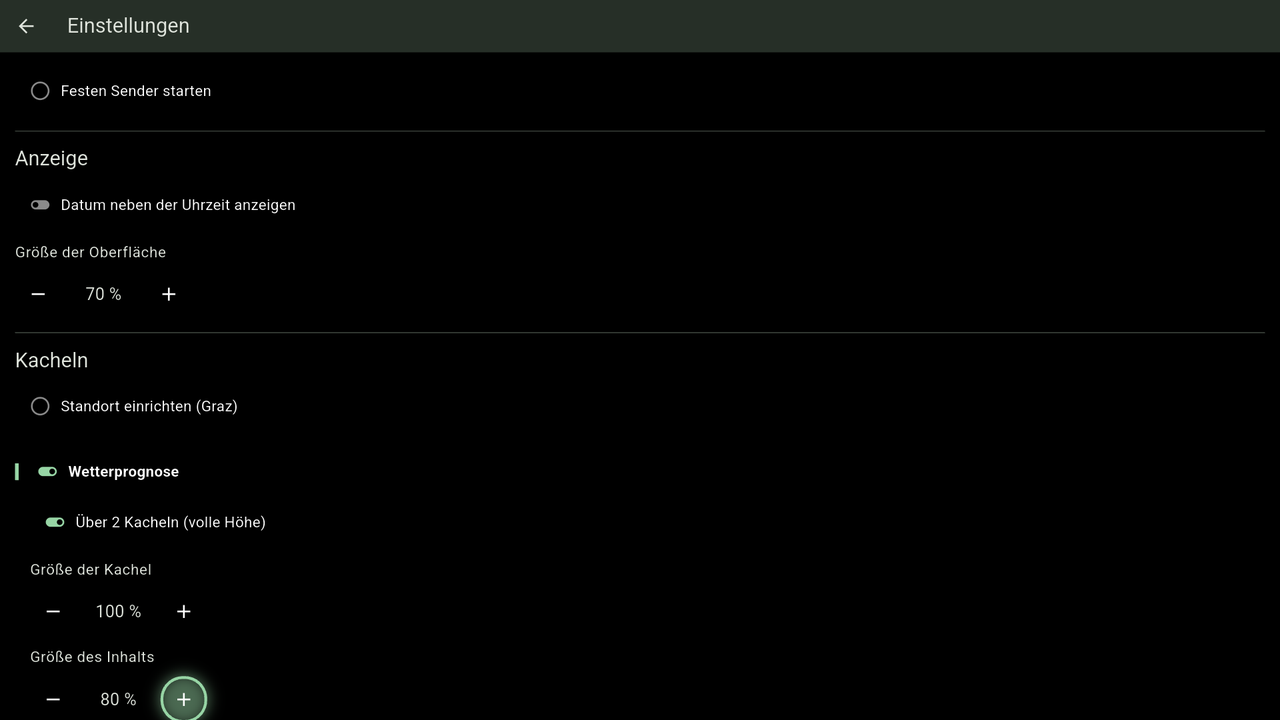
Everything works with the D-pad, adjustable size, autostart with the last station. Can also be controlled from Home Assistant.
What it looks like
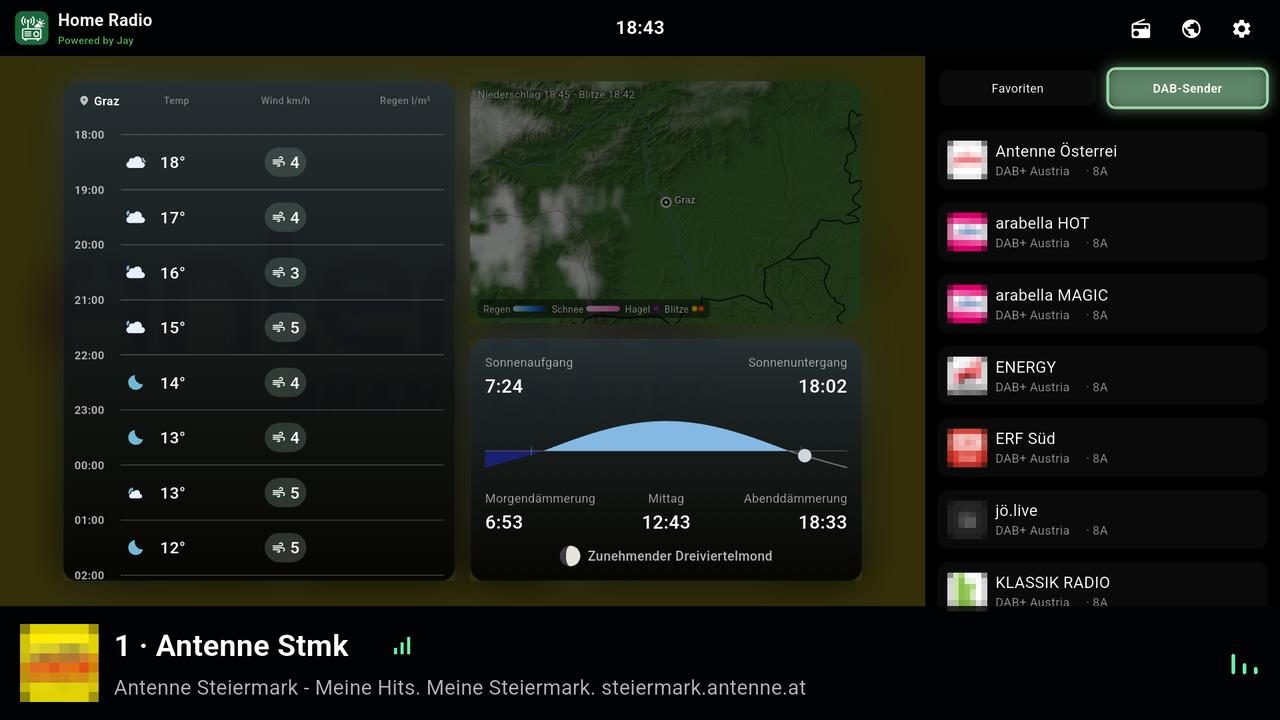
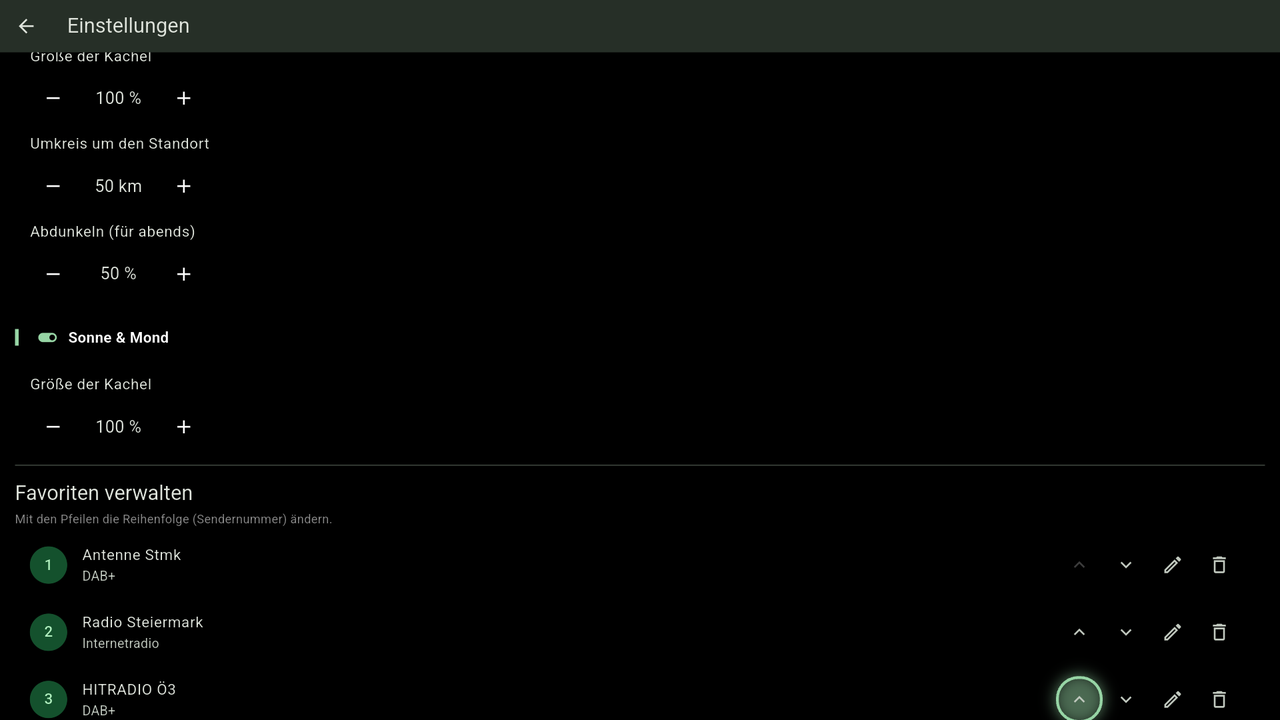
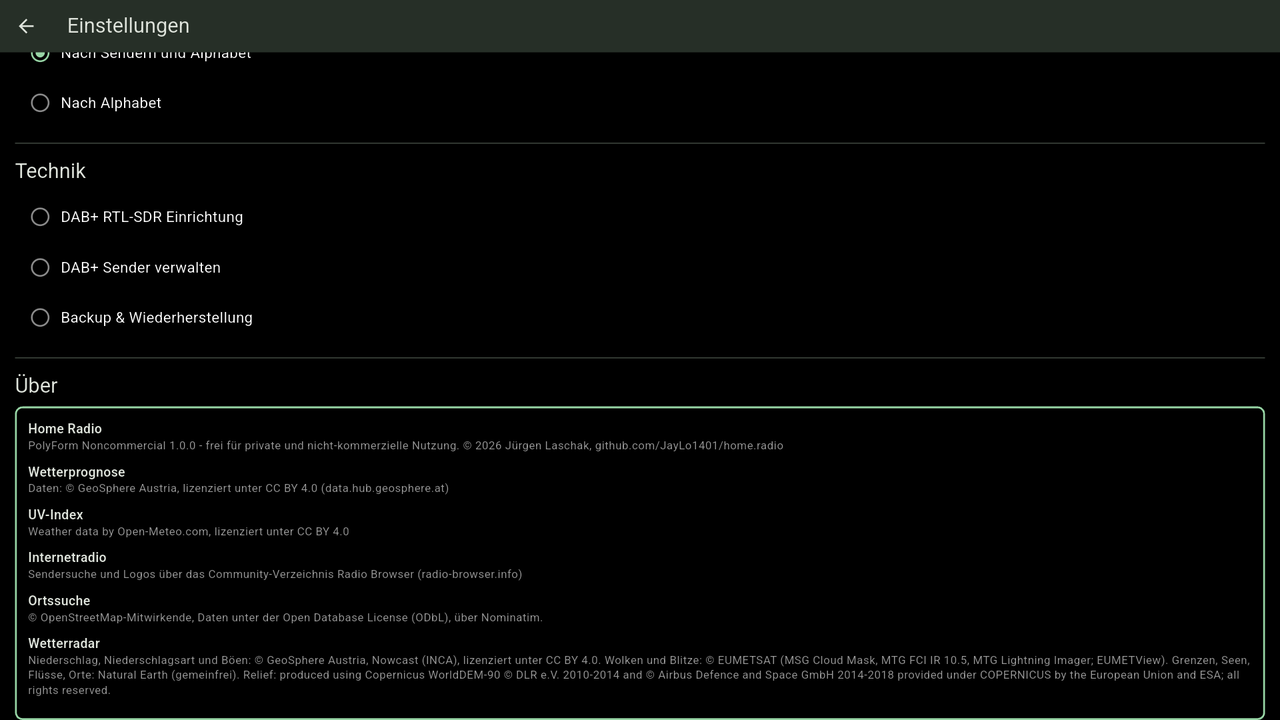
Station logos are blurred in the screenshots (trademarks of the respective stations).
Download
| System | File | Note |
|---|---|---|
| Android / Android TV | ⬇ APK (universal) | Works on any device – if in doubt, take this one. |
| APK arm64-v8a | Smaller, for most current TV boxes. | |
| APK armeabi-v7a | Older 32-bit devices. | |
| APK x86_64 | Emulators and x86 boxes. | |
| Windows | ⬇ Installer (.exe) | Setup program for Windows. |
| Linux | ⬇ Package (.deb, amd64) | Debian, Ubuntu and derivatives. |
On Linux you can also do it in one step – the script downloads the latest package, verifies the checksum and installs it:
curl -fsSL https://repository.jaycloud.at/repository/home.radio/linux/release/latest/install.sh | bashOlder versions and checksums are available in the repository.
Set up in five minutes
- Install the app – grab the right file from the download section
(Android, Windows or Linux), the APK e.g. via
adb install. - Find your location under Settings → Tiles, so weather, radar and sun & moon apply to where you are.
- Internet radio: search for stations via the globe icon and save them as favorites – no extra hardware needed.
- DAB+ and FM: plug in the RTL-SDR stick (or enter an
rtl_tcpserver), connect it under Settings → “DAB+ receiver” and start the scan via the radio icon on the home screen. - Optional: turn on the listening bands under Settings → “Radio receiver” and enter a radar source under Tiles.
All the details on hardware, station logos and setup are in the README on GitHub.
Requirements
- An Android TV or Google TV box in landscape mode.
- For DAB+, FM and listening in: an RTL-SDR stick with an RTL2832U and an R820T, R820T2 or R828D tuner, plugged in via USB or via
rtl_tcpfrom another device. - Internet access for internet radio and weather. No API keys or accounts needed.
License
Home Radio is licensed under the PolyForm Noncommercial 1.0.0: free to use and modify for private and non-commercial purposes, including clubs, schools and non-profit organizations. Selling it, offering it as a paid service or building it into commercial products is not allowed.
Weather data: GeoSphere Austria (CC BY 4.0), UV index: Open-Meteo.com (CC BY 4.0), location search © OpenStreetMap contributors (ODbL), station directory: Radio Browser. The weather radar comes from the source you enter yourself – rights and terms of use lie with the respective provider. The full source credits are in the app under Settings → About.
Home Radio is a hobby project. Weather and radar are for information only and do not replace official warnings. The DAB+ and FM receivers are self-written – not every stick and every signal will work perfectly. Airband and military radio are not intended for the general public: only listen, do not record or pass on what you hear.